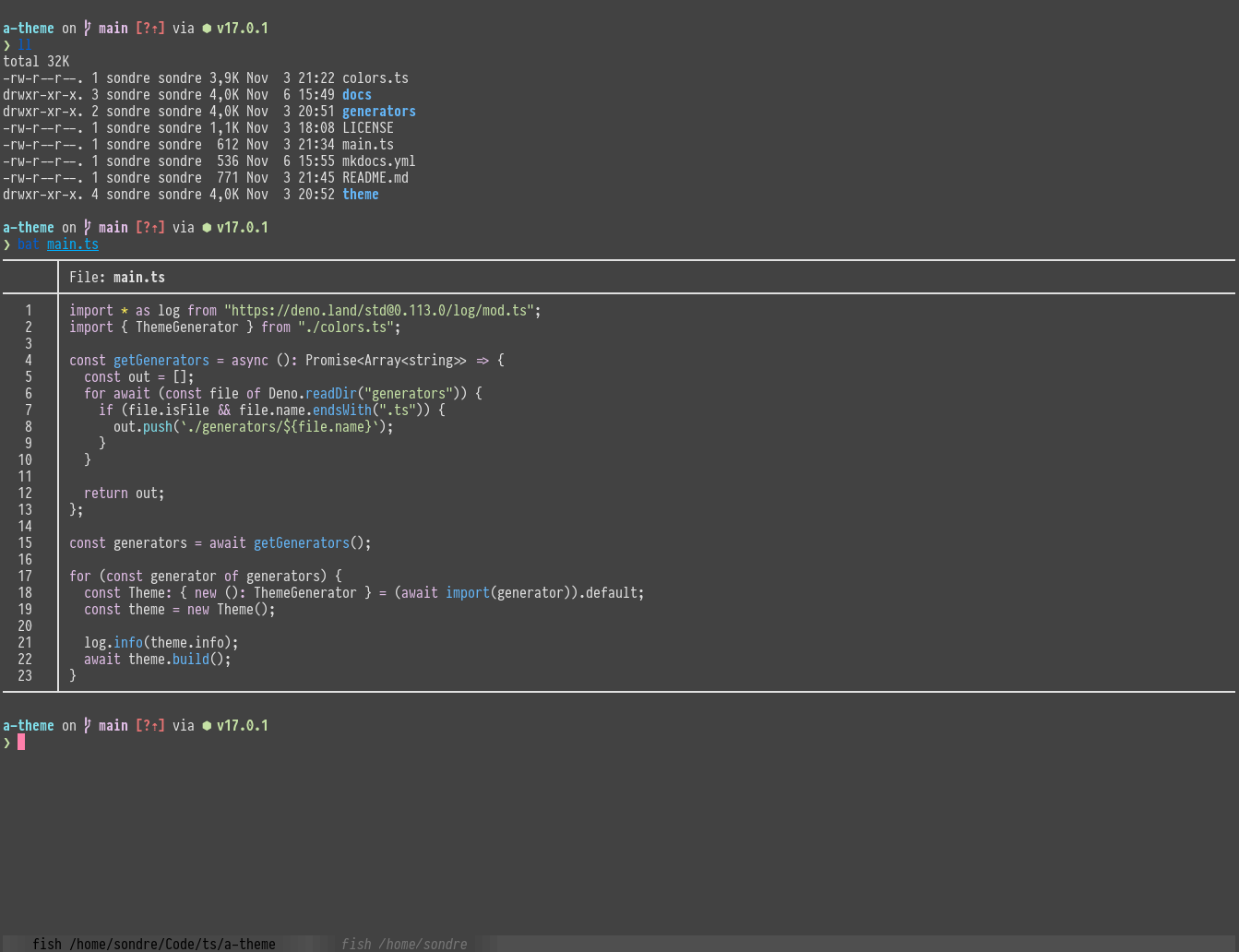
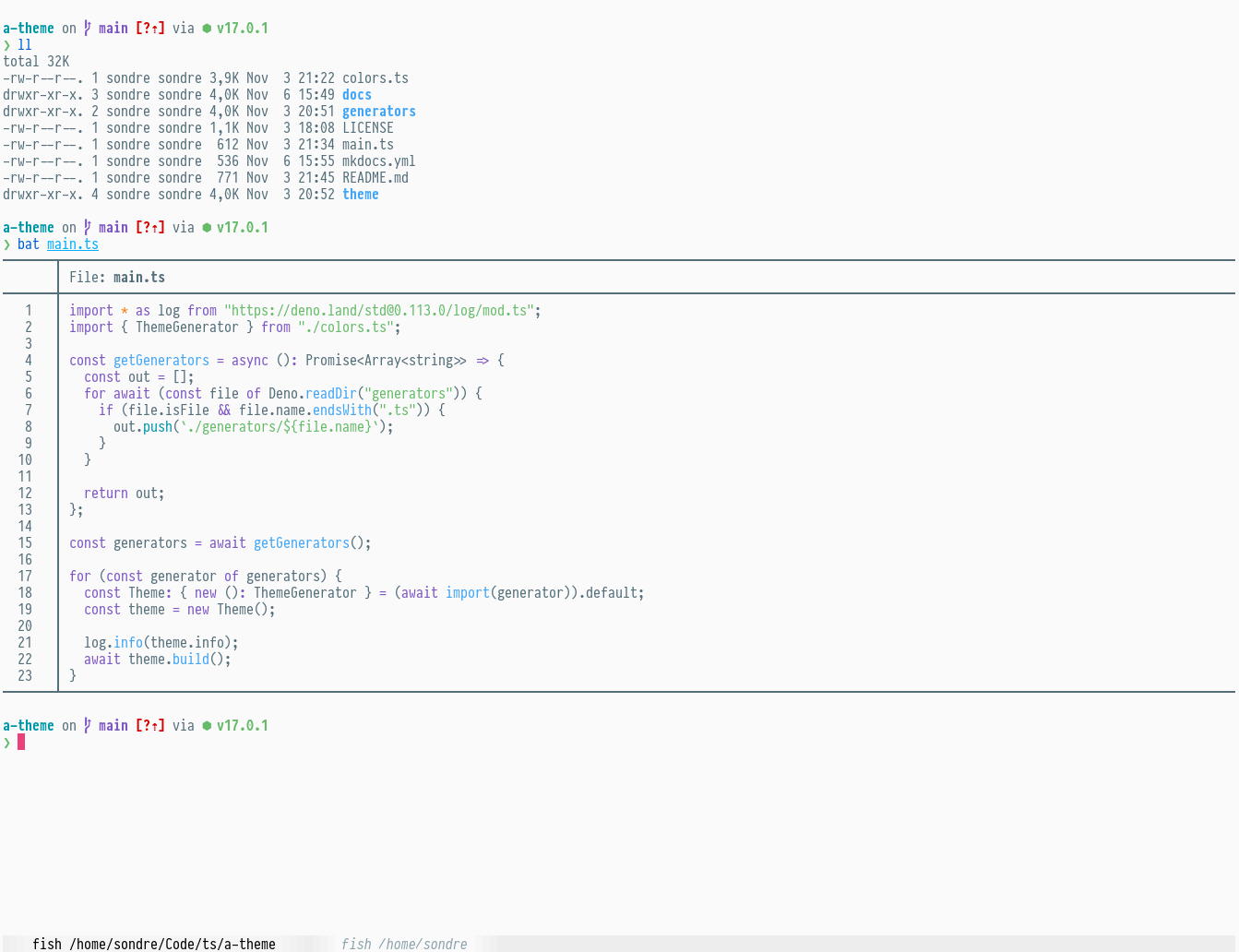
kitty
Installation
To install the theme for the kitty terminal, you can either copy the contents
of the theme files and paste it into your configuration (~/.config/kitty/kitty.conf)
or download the theme and include it in your configuration:
- Download the theme(s):
curl -fsSL https://github.com/sondr3/empyreum/raw/main/theme/kitty/a_theme_dark.conf > ~/.config/kitty/a_theme_dark.confcurl -fsSL https://github.com/sondr3/empyreum/raw/main/theme/kitty/a_theme_light.conf > ~/.config/kitty/a_theme_light.conf
- Enable the wanted theme in
~/.config/kitty/kitty.conf:include a_theme_light.conf - Reload kitty with Ctrl+Shift+F5 (Ctrl+Cmd+F5)